Visibility Without the Algorithm: The AI Prompt to Automate Your Follow-Ups Without Losing the Human Touch
From Overwhelm to Ease
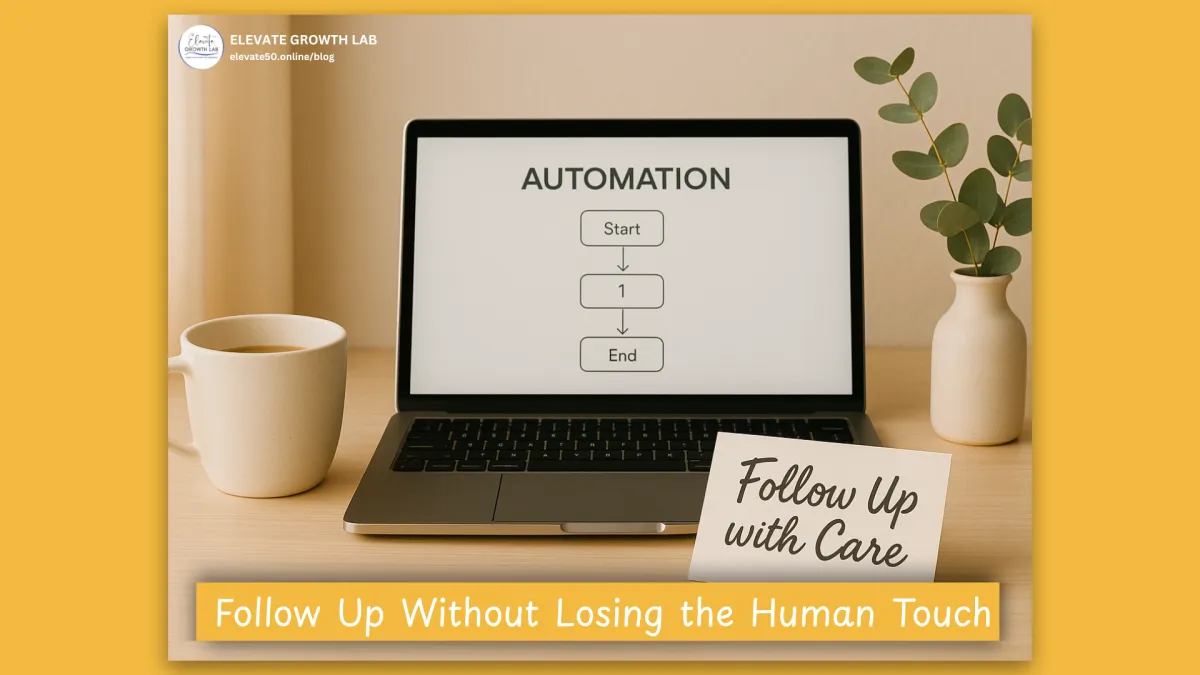
This week, we talked about what happens when your follow-ups start running your life and how automation isn’t about removing your humanity but protecting it.
Here, we’re taking that one step further.
I’m sharing the exact AI prompt I used to design my first follow-up automation system, one that follows up consistently, sends my calendar link to books discovery calls, and still feels like me in every message.
If you’ve been following this series, you’ll see how this connects:
In Blog 1, Why Posting More Isn’t the Answer, we redefined visibility. Not as posting more, but as building genuine relationships.
In Blog 2, The Math of Momentum, we learned the math behind momentum. How small daily actions compound into predictable growth.
In Blog 3, Automate the Hard, Keep the Human, we discovered how to make that effort sustainable through automation.
Now, we’re turning that knowledge into action with a system you can build yourself in minutes.
From Sticky Notes to Systems That Care
When I first started tracking my leads, my desk looked like a paper blizzard.
There were sticky notes everywhere, Asana tasks turning red as they slid past due, and color-coded spreadsheets that were always half-complete. I was doing everything I had taught in The Math of Momentum. Putting in consistent effort, having daily conversations, and following structured outreach, but within weeks, it became impossible to keep up.
That’s when I remembered what we talked about back in Why Posting More Isn’t the Answer:
Visibility isn’t about doing more; it’s about connecting better.
But how could I connect better when I was drowning in manual follow-ups?
The truth hit me:
I wasn’t dropping the ball because I didn’t care.
I was dropping it because I was trying to do everything personally.
So I decided to take my own advice and combine clarity + systems + AI to build a simple workflow that would keep me consistent and present in the areas that mattered most.
And within a week, everything changed.
I wasn’t chasing tasks; I was having conversations again, the real, human kind that fill you with energy rather than drain your soul.
Step Into Automation With Heart
When we started this series, I promised that visibility without the algorithm would help you grow through consistency, not content overload.
You’ve already built the foundation:
Connection (Blog 1) — shifting from shouting into the void to forming real relationships.
Clarity (Blog 2) — understanding the numbers behind your effort.
Consistency (Blog 3) — creating systems and automations that keep you on track.
Now, using AI to help you create those automations is where it all comes together.
It’s how you make your life easier and stay consistent, even if you have no idea how to code.
1. Start With Intention, Not Technology
Automation isn’t about software. It’s about support.
You’re not creating a robot; you’re creating a rhythm. A system that remembers what you care about and helps you show up reliably for the people who need you most.
When you reframe automation this way, it stops feeling “techy” and starts feeling personal.
2. Introducing Your New Secret Support System
This is the same AI prompt that walked me step-by-step through designing five simple workflows without coding, guessing, or hiring anyone.
It’s designed for beginners, whether you track leads in Go High Level, HubSpot, Airtable, or even Google Sheets.
Just paste it into your AI tool of choice and fill in the highlighted areas it will guide you through building your first workflow in simple, beginner-friendly steps.
3. What the Workflows Actually Do

Remember The Math of Momentum?
That calculator showed you what effort was required.
This system helps you deliver it automatically, gracefully, and at scale.
4. Normalize the Learning Curve
If the tech feels intimidating, take a deep breath.
Every entrepreneur who’s built a sustainable business has faced this same moment. Staring at new tools, wondering if they could learn them.
Here’s what I want you to remember: AI doesn’t replace your judgment, it’s the assistant you always wished you had, and it’s free.
You don’t need to know how to code or integrate APIs. You just need to know what you want the outcome to be: consistent follow-up that feels like you.
The prompt handles the rest.
5. Visualize What This Looks Like in Practice
Imagine opening your inbox on Friday to see:
“This week: 100 new leads, 10 replies, 5 booked calls.”
And realizing you didn’t have to chase anyone.
Your system did the remembering and follow-up for you, leaving you time to show up for the real conversations.
This is what visibility that feels good looks like: connection that runs quietly in the background, freeing you to focus on creating, serving, and living your purpose.
Build Systems That Let You Stay Human
When we started this journey, your visibility lived in your effort.
Now, it lives in your systems. Systems that protect your energy, honor your relationships, and make your visibility consistent without consuming your life.
1. Quick Win: Copy and Paste
This week, take time to copy the prompt below into ChatGPT.
Fill in the areas that are highlighted and let AI walk you through your first automation workflow.
You’ll be amazed how simple it is to save hours every week while still feeling completely personal.
Copy-and-Paste Prompt
I need help designing a simple automation system to follow up with leads and book discovery calls for my business.
Please walk me through this in beginner-friendly steps.
Here’s what you should know about me:
My CRM or lead-tracking tool is: [insert CRM or tracking tool — e.g., Go High Level, HubSpot, Airtable, Google Sheets, Notion, etc.]
I send my emails or messages through: [insert email or messenger tool — e.g., Gmail, Outlook, ConvertKit, Mailchimp, Facebook Messenger, etc.]
I want to build my automation or workflow inside: [insert tool — e.g., Go High Level, Make.com, Zapier, or native automations in my CRM]
My goal:
I want to automatically identify when a lead becomes “warm” or “hot,” send personal follow-ups, stop when they reply, and get weekly visibility into results — all while keeping things simple.
WORKFLOW #1 — Lead-Scoring or Trigger Workflow
Purpose: Detect when a contact becomes a “warm” or “hot” lead and start the personal follow-up sequence.
Please design a workflow that:
- Starts when [insert condition — e.g., lead score ≥ 10, tag added like “Interested Lead,” or a specific Google Sheet column = “Hot”].
- Skips contacts who already have [insert tag — e.g., “Client,” “Booked Call,” “Do Not Contact”].
- Triggers the next workflow (Discovery-Call Outreach).
WORKFLOW #2 — Discovery-Call Outreach Workflow
Purpose: Send personal-style emails, DMs, and create DM tasks that help me connect with leads.
Please include:
- 4 short, friendly follow-up email messages written like personal replies (not marketing blasts.
Examples of my writing:
[Enter examples of follow-up messages you send to clients.]
- Wait [insert number of days] between each message.
- At follow-up #5- #8, create a manual task for me to message someone on SMS, Facebook, LinkedIn, or Instagram.
- Create messages 5-8 that are personal and tie back into the previous emails. Be curious and show empathy for how busy they may be. Do not be pushy. Message 8 should let them know that you realize the timing may not be right for them and you won’t be bothering them anymore while keeping the door open to connect again in the future.
- If I mark that task complete, the next step should begin automatically.
- Tag any lead “dormant” if they have been sent follow-up #8 and have not responded in 3 days.
WORKFLOW #3 — Reply-Listener Workflow
Purpose: Stop the outreach when a lead replies and notify me via [slack, email, SMS]
Please create a simple workflow that:
- Detects when someone replies to any of my outreach emails.
- Immediately removes them from the Discovery-Call Outreach Workflow.
- Creates a task for me or my team to review the reply.
- Sends a notification to [Slack / email / text] that says:
“New reply from [First Name] — check your CRM to follow up.”
WORKFLOW #4 — Re-Engagement Workflow
Purpose: Reconnect with leads who didn’t reply but later open or click an old email.
Please include:
- Trigger: “When a contact with the tag [Dormant] opens or clicks an email.”
- Remove the “Dormant” tag.
- Add a new tag like “Re-Engaged Lead.”
- Restart them at the first step of the Discovery-Call Outreach Workflow when [insert condition — e.g., lead score ≥ 10, tag added like “Interested Lead,” or a specific Google Sheet column = “Hot”].
WORKFLOW #5 — Weekly Summary or Notification Workflow
Purpose: Give me a simple weekly report on new leads, replies, and calls booked.
Please create a scheduled summary that:
- Runs every [insert day/time — e.g., Fridays at 5 PM].
- Counts how many new “warm” leads entered the workflow that week.
- Counts how many replied or booked a call.
- Sends me a [Slack or email] summary in this format:
“This week: [#] new warm leads, [#] replies, [#] calls booked.”
(Optional) WORKFLOW #6 — Dashboard or Sheet-Sync Workflow
Purpose: Keep a running list of leads, their scores, and where they are in the process.
Please design a simple sync that:
- Updates a Google Sheet or Airtable every time a lead moves stages.
- Shows columns for: Name | Email | Stage | Last Message Sent | Next Action | Date Added.
- Updates automatically as workflows progress.
Please include clear beginner examples for each workflow, such as:
- Sample email templates.
- How to set up triggers in Go High Level or Google Sheets.
- Step-by-step for Slack notifications or task creation.
- How to keep emails personal-looking (not marketing blasts).
If I’m missing any details about my system or preferences, ask clarifying questions first so you can build the best version for me.
Think of automation as delegation, not distance.
It’s giving structure to what your heart already knows how to do.
If you’ve been thinking, “I’ll get to automation later,” this is your nudge to start now.
Every week you wait, you lose time to repetition, missed follow-ups, and burnout.
You don’t need to do more. You just need to set up a rhythm that helps you do what works.
Like I said in Automate the Hard, Keep the Human, automation isn’t cold. It’s compassionate.
It protects your ability to show up with heart.
From Overwhelmed to Empowered: Support That Moves You Forward
If you’re feeling overwhelmed or unsure where to start, you’re not alone, and you don’t have to figure it out by yourself.
That’s exactly what our complimentary systems clarity calls are for.
We’ll look at your current system, your goals, and how automation can fit into your visibility plan — without losing your voice or your sanity.
📞 Book Your Complimentary Systems Clarity Call Here
From Crawling to Sprinting
Next week, we’ll go From Crawling to Sprinting, showing how small tweaks and consistency lead to massive growth.
Because once your systems are running, it’s not about doing more, it’s about amplifying what already works.


